
OnePlus has expanded its Android 17 rollout to six smartphones and one tablet, but the update brings a major software change for users. The company is distributing ColorOS 17, OPPO’s software platform, instead of OxygenOS. The rollout is being conducted in stages, so owners may not receive the update at the same time.
The expansion follows the first phase for the OnePlus 15 and OnePlus Pad 4. OnePlus began that rollout on 22 October 2026, ahead of the planned 29 October start. The newly listed devices include newer and older models, making the update relevant to a wider group of OnePlus users, including those waiting for major software changes on their phones.
Devices included in the current rollout
- OnePlus 15
- OnePlus 15R
- OnePlus 13
- OnePlus 13s
- OnePlus 13R
- OnePlus Pad 4
For users in India, availability will depend on the regional rollout rather than only the device model. OnePlus says the timing can be affected by the country, device and current software version. A compatible device may therefore not show the update immediately, even while the rollout is active elsewhere. The distribution is expected to expand to more models in November and continue into early 2027.
What ColorOS 17 changes
ColorOS 17 introduces a refreshed interface, smoother animations and a redesigned Quick Settings panel. OnePlus also says the software is intended to help apps remain smoother when users move between them. The update includes additional AI functions, including tools that can identify fake voices in scam calls and detect face swaps during video chats.
Not every feature will necessarily be available on every model. The exact feature set can vary by device, which means owners of the OnePlus 15, OnePlus 15R, OnePlus 13, OnePlus 13s, OnePlus 13R and OnePlus Pad 4 may see differences after updating.
The move away from OxygenOS is the most notable change for OnePlus customers. The two software platforms already share elements of their design and code, but the Android 17 update formally places these devices on ColorOS 17. That could make the interface familiar in some areas while still changing the branding and software experience users associate with OnePlus.
How to check for Android 17
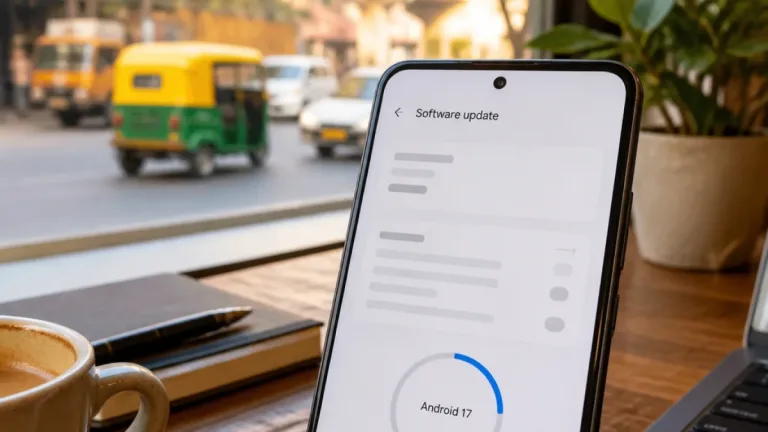
Owners of the listed devices can open Settings > System & Updates > Software update to check manually. If the update is not listed, the device may not yet be included in its regional batch. OnePlus’ staged distribution means waiting may be necessary before the Android 17 package becomes available for a particular unit.