Grand Theft Auto VI players on Xbox Series X have reported crashes, severe graphical glitches and, in one case, a console that allegedly stopped powering on after the game was launched. The reports appeared shortly after the game’s release and add to similar complaints from some PlayStation 5 users, who have encountered repeated application crashes.
The most serious Xbox report came from a player on XboxSupport who said they had bought the Ultimate Edition on 19 November 2026. According to the player, the Xbox Series X shut down around ten minutes into the opening cutscenes and did not power on again. The owner said they left the console unplugged overnight and attempted to drain its power supply, but those steps did not restore it.
A repair shop reportedly ruled out the power supply and suggested that the motherboard could be responsible. The console was already out of warranty, with its coverage having expired in 2022, and the player said Microsoft charges $300 for repairs. The owner also acknowledged that dust accumulation might have played a role because the console had seen little use. There is currently no evidence confirming that GTA VI caused the hardware failure.
Visual corruption reported in Xbox gameplay
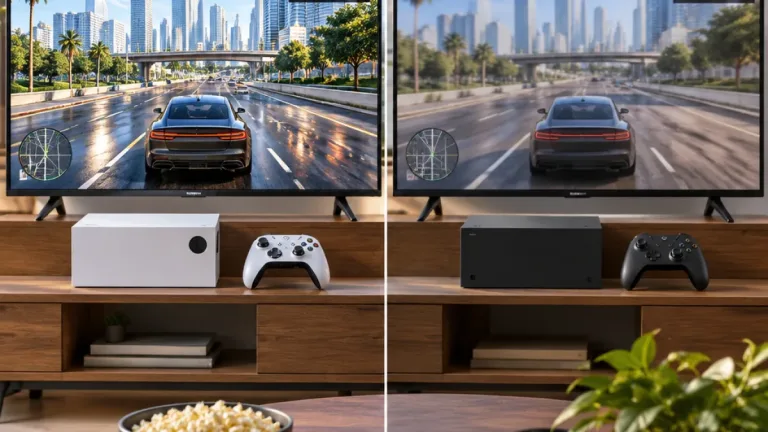
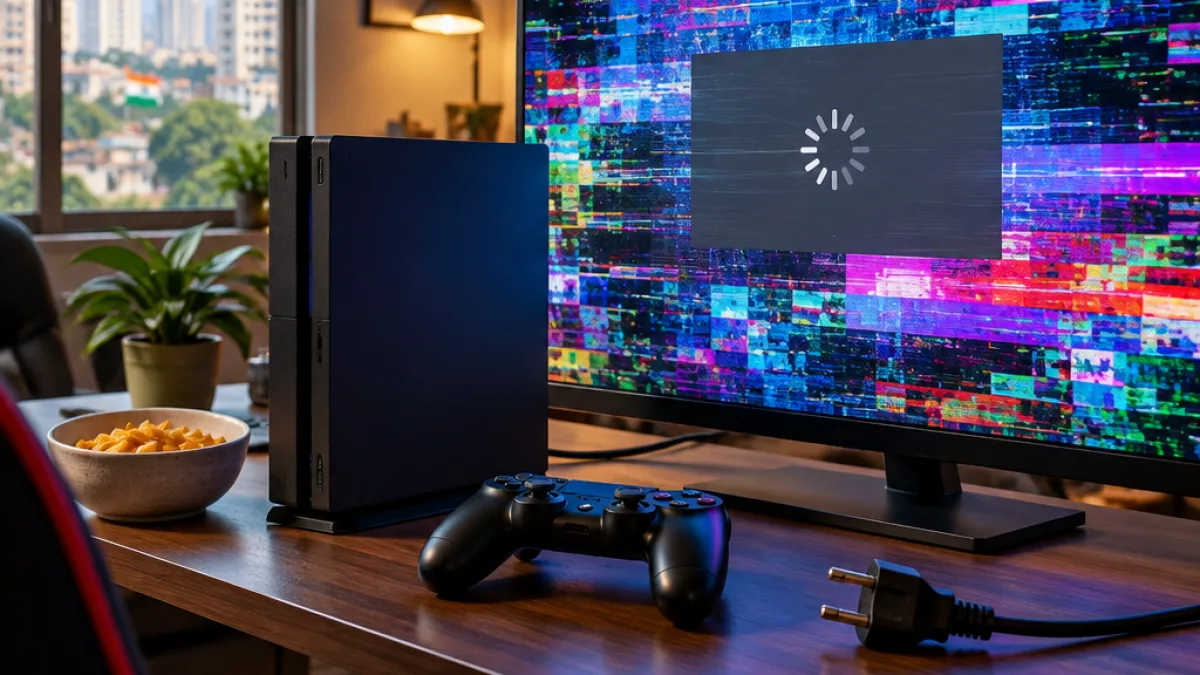
Another Xbox Series X owner in the UK described major rendering problems while playing version 1.002.001. The player said water textures sometimes disappeared or stretched into large spikes, while black flickering and coloured blocks appeared across the screen. Moving the aiming reticle towards water reportedly made the issue worse and could lead to a crash.
The same visual defects were also visible in recordings made with Xbox’s built-in gameplay capture feature, according to the report. The player said reinstalling the game, resetting the console, changing accounts and replacing cables did not resolve the problem. These details indicate that the complaint was not limited to a single display connection, although they do not establish the cause of the malfunction.
- One Xbox Series X owner reported a console that would not power on after the game shut down during its opening cutscenes.
- Another player reported missing or distorted water textures, flickering and coloured blocks on version 1.002.001.
- Similar crashes have been reported by some PS5 players, including incidents associated with error code CE-108255-1.
PS5 complaints have also surfaced
Several PlayStation 5 players have reported crashes accompanied by error code CE-108255-1. The reports place the Xbox and PlayStation complaints in the same early-release period, but they do not show that the problems share a single cause. A game crash and a console that fails to power on are also different types of incident.
The reports remain user accounts rather than a confirmed diagnosis from Rockstar Games or Microsoft. The available information does not establish whether the Xbox failure resulted from the game, the console’s age and condition, dust buildup or another hardware fault. Similarly, the reported graphical corruption has not been attributed to a particular software or hardware component.
For players in India using Xbox Series X or PlayStation 5, the complaints underline the difference between reported launch problems and a confirmed platform-wide fault. At present, the reported cases do not demonstrate that GTA VI damages consoles, but they do point to stability and rendering issues that some players are encountering during the game’s early release period.