Microsoft has confirmed that its November 2026 Patch Tuesday updates can cause Windows activation failures and disrupt printing in certain situations. The activation issue primarily affects organisations that automate licensing tasks through command-line tools, while the printing problem can affect documents containing invisible images.
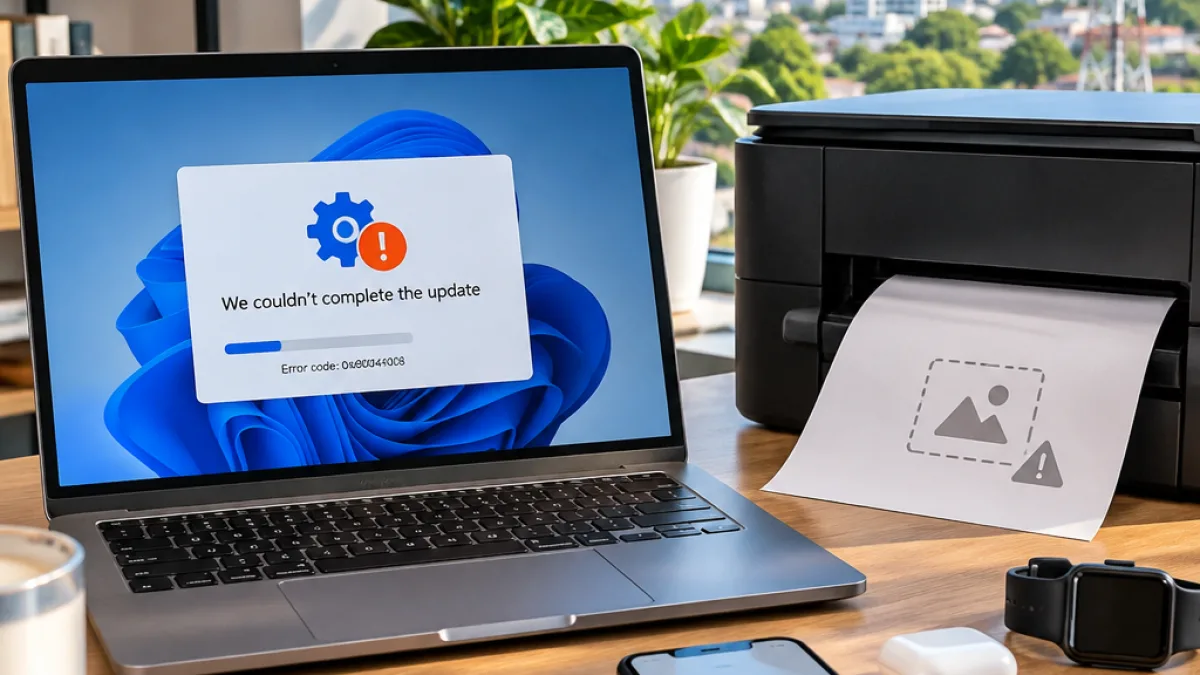
Devices that are already activated remain activated, according to Microsoft. However, administrators may see the error 0x80041008 when they attempt to configure or manage Windows licensing after installing the November updates. The issue is relevant to organisations using the Software Licensing Management Tool, or SLMGR, and to environments that rely on Key Management Service activation.
Activation issue affects specific licensing commands
Microsoft describes the error as an invalid parameter returned by the Windows management system. It can appear when administrators use commands to set a KMS host or install a product key. The affected operations include configuring the KMS host with the slmgr.vbs /skms-domain command and installing a key with slmgr.vbs /ipk.
“0x80041008, Invalid parameter (SWbemObjectEx).” — Microsoft
The problem affects Windows 10 21H2 and 22H2, as well as Windows 11 23H2. Microsoft also lists Windows Server 2019, Windows Server 2022 and Windows Server 2025 among the affected versions.
| Affected area | What Microsoft has confirmed |
|---|---|
| Windows activation | Error 0x80041008 during certain licensing and KMS commands |
| Already activated devices | Expected to remain activated |
| Printing | Some documents containing zero-height or zero-width images may fail to print |
Printing bug affects documents with invisible images
A separate problem introduced by the November updates can stop some documents from printing on Windows 10 and later and Windows Server 2016 and later. The failure occurs when a document contains an image with a height or width of zero at the selected print resolution.
Such objects may not be visible to the person creating or viewing the document. Microsoft says they can be used as watermarks, layout anchors or placeholder objects inserted by document-generation software even when no graphic is displayed. The issue mainly affects Microsoft Word documents printed through the Windows Graphics Device Interface (GDI).
- Invisible watermark images can trigger the printing failure.
- Images used only to anchor a document layout may also be affected.
- Document-generation tools can insert image objects without showing a graphic.
Microsoft says a fix for the activation issue will be available in the coming days. Organisations that need an immediate mitigation have been directed to contact Microsoft Support for business. The company also says KMS-activated devices generally remain activated for up to 180 days after a successful activation, which may reduce the immediate impact for systems that do not need to repeat the affected commands.
For administrators in India managing Windows PCs and servers, the distinction between an already activated device and a new or reconfigured activation request is important. A machine that continues to operate with an existing activation is not expected to be affected by the licensing failure, while automated deployment workflows that run the listed commands may require attention until Microsoft releases the fix.