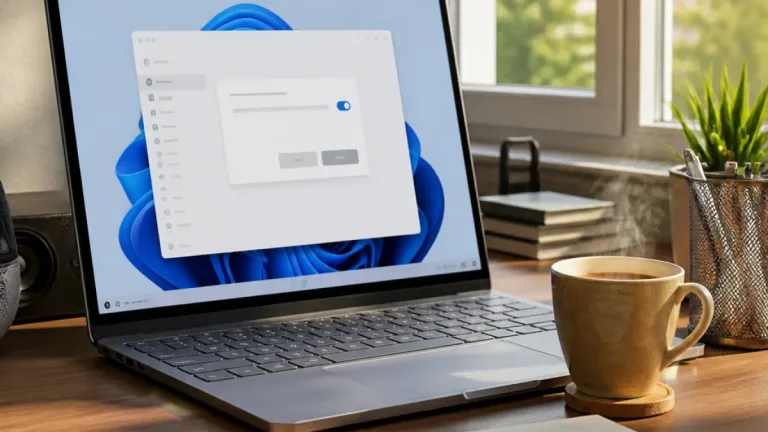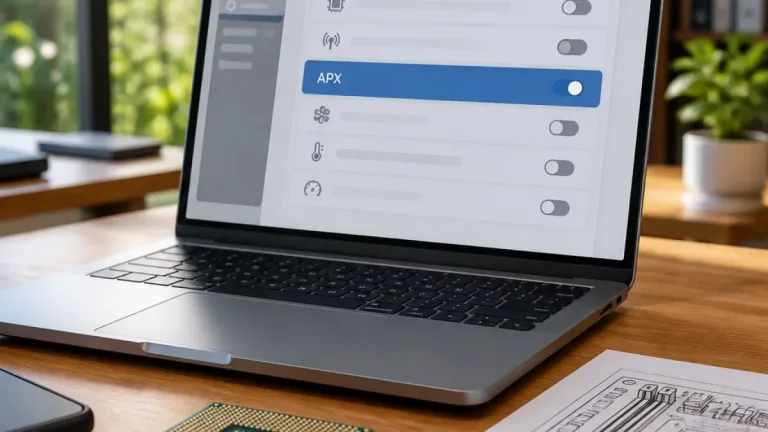

Microsoft is testing a faster way to control common Windows 11 settings, with selected users now able to perform system actions directly from the taskbar Search box. The feature is being gradually distributed to Windows Insiders in the Beta Channel through Build 26320.9876.
Instead of using Search only to locate applications, files or settings, users can type commands such as enabling dark mode, switching on Bluetooth, muting the computer or lowering the screen brightness. Search can then present an action that carries out the requested change without requiring the Settings application to be opened separately.
What the new Search experience can do
Microsoft calls these capabilities inline actions. The same interface can also help organise open windows, including arranging two applications side by side. This gives taskbar Search a more operational role, although the feature remains a test release rather than a general Windows 11 update for all users.
- Change selected system settings from taskbar Search
- Perform actions such as enabling Bluetooth, activating dark mode, muting audio and dimming the display
- Arrange open windows, including placing two apps side by side
- Use a redesigned results view built with WinUI 3
The revised interface is built on WinUI 3. Microsoft says it is intended to be quicker and more efficient than the earlier experience, with results shown in a single list that should be easier to scan. The company is also improving how Search handles typing errors and alternative terms, and plans to continue refining the system in the coming weeks.
| Detail | Information |
|---|---|
| Windows channel | Windows Insider Beta Channel |
| Build | 26320.9876 |
| Version transition | Windows 11 26H2 through an enablement package |
| Supported language | English |
| Current location | Taskbar Search |
Limits of the test rollout
The feature currently supports English only, which limits its usefulness for users who rely on other languages in Windows Search. It is also restricted to searches started from the taskbar. Entering a query through the Start menu continues to open the older Search interface.
Microsoft has indicated that the newer experience is planned for the Start menu next year. The company is also working towards actions involving a connected phone, such as sending a text message, but those capabilities are not part of the current rollout. For now, the release is relevant primarily to Windows Insiders running the Beta Channel build, rather than users of the standard public version of Windows 11.
The same Beta Channel update moves Insiders to Windows 11 26H2 using an enablement package. Microsoft says the version-number change itself does not bring significant additional changes. The taskbar Search controls therefore represent the principal user-facing element of this test build.