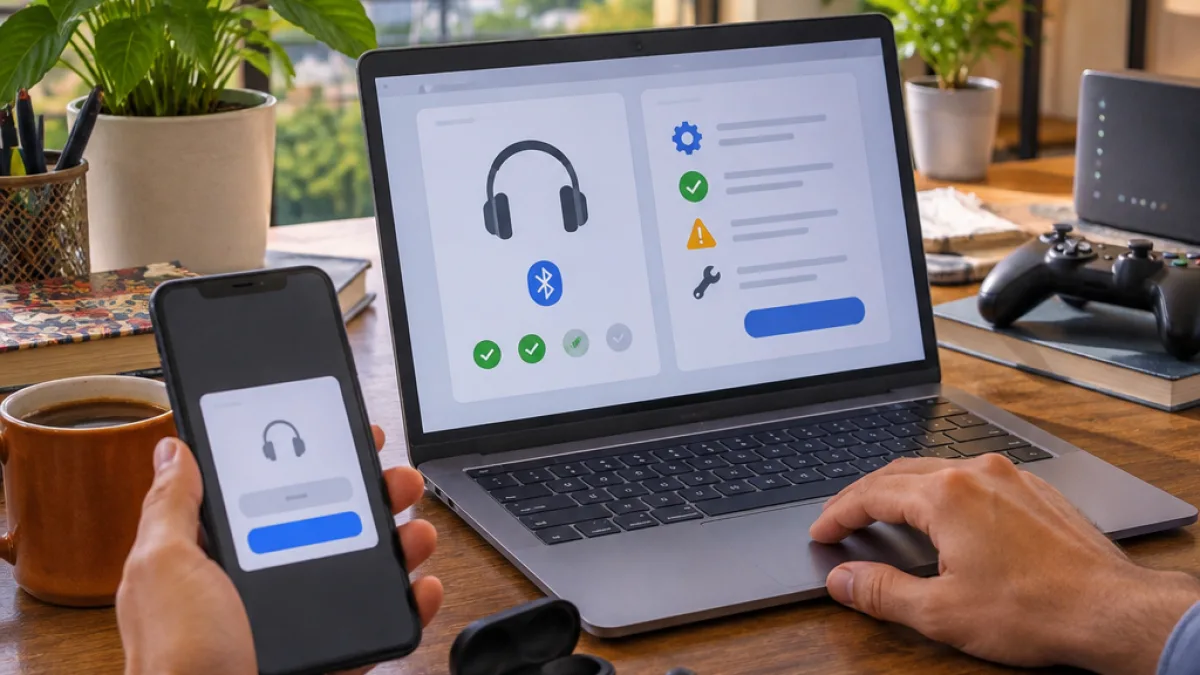
Microsoft is developing a new Windows 11 Copilot capability that can examine a computer for problems, identify their likely causes and explain how to resolve them. The feature, reported by Windows Central and covered by Digital Today, is intended to reduce the need to search through multiple Windows settings or seek help from an IT administrator for common issues.
How Copilot’s troubleshooting feature works
When a user describes a fault, Copilot can ask for permission to access files and read system information before beginning its checks. The assistant then analyses the available information and provides an explanation along with suggested steps. Microsoft’s example involved a Bluetooth audio problem, where the system found that the headphones were connected but Windows 11 was probably directing sound to a different output device.
“There is no sound from my Bluetooth headphones. Please diagnose the cause.”
After identifying the possible audio-routing issue, Copilot supplied instructions intended to correct it. The approach could be useful for problems that are difficult to diagnose from a user’s description alone, particularly when the cause is linked to a Windows setting rather than a hardware failure.
Processing is not limited to the cloud
A notable part of the implementation is that the diagnostic process does not depend entirely on remote cloud processing. Copilot runs directly on the PC, scans the system in read-only mode and uses the findings to work towards a root cause. This means the feature is designed to inspect the device without changing system data during the scan.
Microsoft’s permission request is also significant. The assistant does not begin accessing files or system details without the user’s approval, according to the report. Users will therefore see a permission step before the diagnostic process can gather the information required to investigate a fault.
What Windows 11 users can expect
- Copilot can inspect a PC after the user authorises access to relevant files and system information.
- The scan is performed in read-only mode and can be used to identify possible causes of device problems.
- The assistant can provide step-by-step guidance after analysing the issue.
- The capability is still being developed, with no general release date stated in the report.
The feature was demonstrated running from Windows 11’s new search screen, which has recently entered testing for members of the Windows Insider Programme. Its availability is therefore tied to Microsoft’s development and testing process rather than being a confirmed feature for every Windows 11 installation.
Potential impact on support and diagnostics
For individual users, an assistant that can connect a symptom with a system setting may make routine troubleshooting more accessible. It could be particularly relevant for issues involving audio devices, connectivity, applications and other Windows configurations where several settings may affect the outcome. However, a software diagnosis cannot by itself confirm that a hardware component is working correctly.
Microsoft also sees a possible role for the capability in organisations. Windows Central reported that handling frequently asked questions through Copilot could reduce the workload for IT support teams. The practical value for businesses will depend on how the feature is controlled, what permissions administrators allow and how consistently its suggested fixes work across different Windows 11 systems.
Microsoft has not announced a final rollout date for the diagnostic capability. For now, the reported implementation remains part of the wider set of Windows 11 features being tested around Copilot and the new search experience.